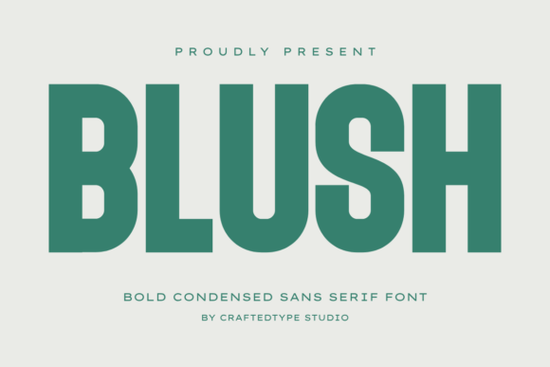
If you're looking for a bold, clean sans serif font that works equally well on a t-shirt design, a Cricut vinyl cut, or a social media banner, Blush Font is worth your attention. It’s not overly decorative or trendy instead, it delivers consistent weight, tight spacing, and tall, narrow letterforms that hold up at any size. Whether you’re designing for Print on Demand, crafting custom stickers, or building a small business brand identity, this typeface fits naturally into real-world workflows without needing workarounds.
What makes Blush Font practical for everyday design?
Unlike many display fonts that sacrifice legibility for style, Blush keeps its structure clear and functional. Its geometric construction means letters like “H”, “E”, and “R” align cleanly, even when scaled down to 24pt on a mug or enlarged to 300pt for a poster. The tall x-height and condensed width help it stand out in tight spaces think hoodie chest prints or Instagram story headers where horizontal room is limited.
The font includes both OTF and TTF files, so whether you use Adobe Illustrator, Canva, Silhouette Studio, or Cricut Design Space, installation is straightforward. And because it’s fully PUA encoded, special characters, alternates, and stylistic sets appear right in the glyph panel no digging through hidden menus or installing extra plugins.
How does it compare to other modern sans serifs?
Blush sits comfortably between minimalist and industrial aesthetics. It’s bolder and narrower than Spring Spirit Font, which leans more playful and rounded. Compared to Grandeur Font, Blush feels less ornate and more grounded ideal if you want authority without formality. For designers who prefer tighter spacing and sharper edges, Bouldy Font offers a similar confidence but with slightly more contrast in stroke weight. If you're exploring alternatives within the same family of strong, no-frills sans serifs, Breaking Font gives a bit more visual rhythm, while Blush Font stays consistently solid and uniform.
Where does it work best and where might it not?
Blush shines in contexts where impact matters more than extended reading: apparel layouts, promotional banners, logo lockups, and product mockups. It pairs well with lighter, neutral body fonts (like Inter or Roboto) for balance. Because of its condensed nature, it’s not ideal for long paragraphs or small UI text stick to headings, quotes, and short calls to action.
Crafters using cutting machines will appreciate that every glyph is built from clean vector paths. That means fewer auto-trace errors, smoother cuts on vinyl or heat transfer, and reliable results whether you're making 10 stickers or 100. No jagged corners or unexpected gaps just predictable, production-ready outlines.
Is it compatible with common tools and platforms?
Yes. You can install Blush Font directly into Windows or macOS, then use it in Canva, Photoshop, Affinity Designer, Silhouette Studio, and Cricut Design Space without conversion. It also works natively in Google Docs and Microsoft Word thanks to PUA encoding so if you need to quickly drop a headline into a client brief or presentation, it appears correctly on first try.
For reference, you can see how Blush Font is used across real customer projects on Creative Fabrica, including POD storefront mockups and craft templates.
A quick checklist before downloading
- You need a strong, narrow sans serif for headlines or logos not body text.
- You’ll use it across multiple tools (design software + cutting machines + basic word processors).
- You want full access to all glyphs without installing extra utilities or changing settings.
- You’re selling on Print on Demand platforms and need fonts that scale cleanly on mugs, hoodies, and posters.
- You prefer fonts with clean vectors especially if you cut vinyl, iron-on, or paper with hobbyist machines.
If those match your needs, Blush Font is a dependable choice not flashy, not fussy, just consistently usable across the kinds of tasks creative professionals and makers handle every week.
Explore Design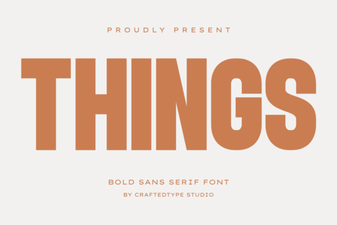 Crafting Projects with Things Font Design
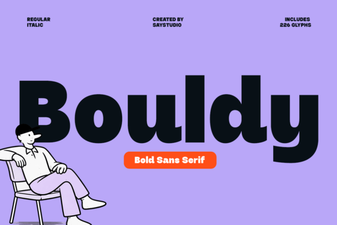 Bouldy Font for Designers: Modern Typography Toolkit
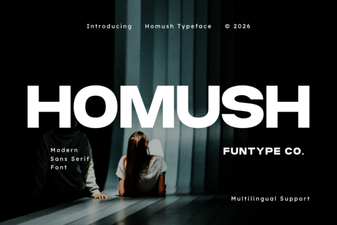 Homush Font: Creative Design Projects & Ideas
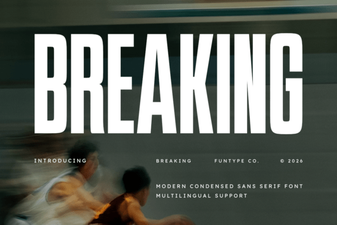 Breakthrough Font Design Concepts & Techniques
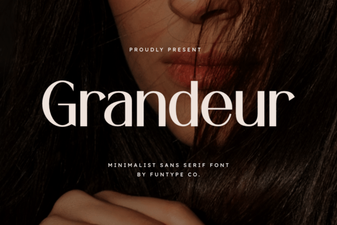 Grandeur Font: Creative Applications for Design Projects
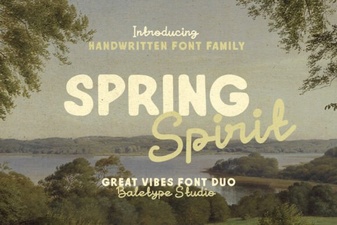 Bring Spring Spirit Font to Your Design Projects